Adding contact details to the Civil Register and the Register of Persons
Is this service available in the app?
This service is available on the Citizen's Portal mobile app, so you can use it directly.


What you need
- Being a natural person, not a legal entity (corporation, foundation, etc.)
- Citizen identity for logging into the Citizen Portal
How to do it
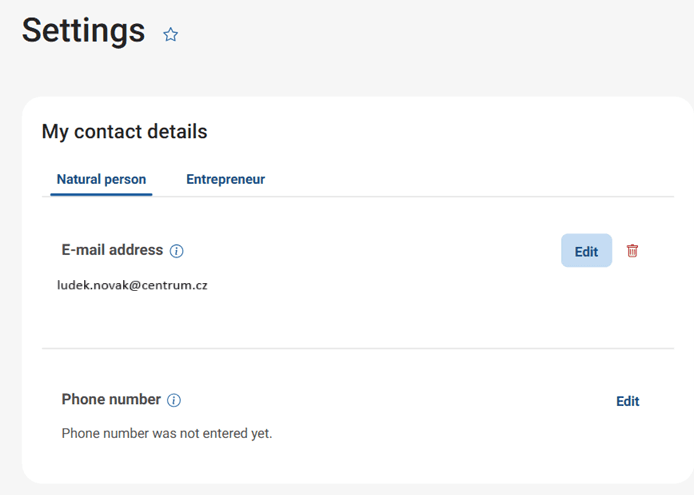
Log in to the Citizen Portal. Click on "More" in the top right corner and select "Settings" from the drop-down menu. Your e-mail and phone number will appear first. Click on "Edit" to change or correct the contact information.
Click on the trash symbol to delete the contact details.