
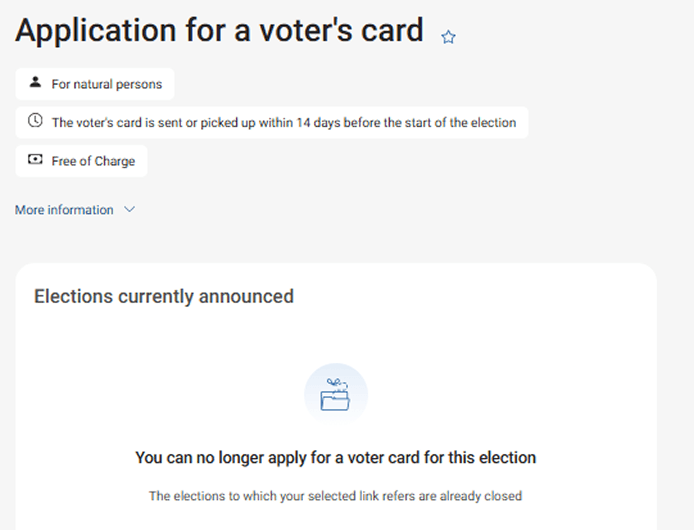
Application for a voter's card
Is this service available in the app?
This service is available on the Citizen's Portal mobile app, so you can use it directly.


What you need
- Being a natural person, not a legal entity (corporation, foundation, etc.)
- Citizen identity for logging into the Citizen Portal
- Databox connected to the Citizen Portal
How to do it
Log in to the Citizen's Portal, search for the "Application for a voter's card" service, click on it and download the pre-filled application that is ready for you. On the Citizen's Portal, click on the linked Databox and send the application to the relevant municipality via a new data message.
What to be aware of
You should always apply in time for the office to issue your voter card. You can find the specific date during the current election with the service on the Citizen's Portal or on the Public Administration Portal.
In the case of multi-round elections, you need to apply for a voter card for each round separately.
Useful links
Frequently asked questions
Where can I get more information?
More information about EP election you can find in this document published on the website of the Ministry of the Interiour and on the website of the Ministry of the Interiour.
You can submit individual questions to your municipal office, the relevant regional office or the elections department of the Ministry of the Interior (volby@mvcr.cz).