
Certificates
Is this service available in the app?
This service is available on the Citizen's Portal mobile app, so you can use it directly.


How to upload a certificate to the Citizen Portal?
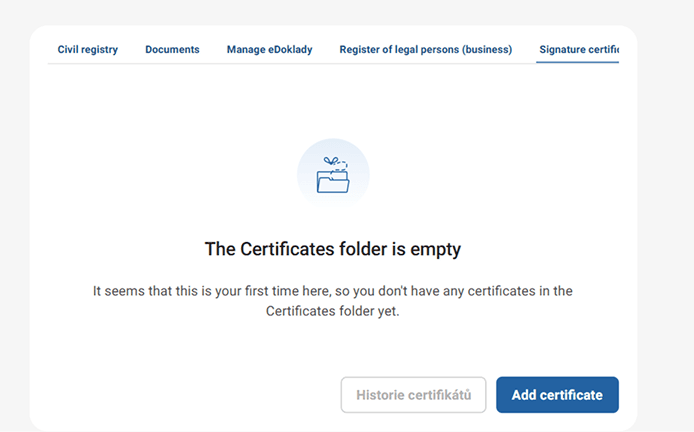
Simply log in to the Citizen Portal via the Citizen Identity. After logging in, click on "More" in the opening menu, open the "Profile" section and then the "Certificates" link.
Once the "Certificates" page opens, click on the "Add Certificate" button. A window will open that allows you to select your certificate and import its public part. This will then verify that it is a qualified certificate for electronic signatures. If the verification is successful, the Citizen Portal will retrieve the data in the required range from the selected certificate and display the result with the record history.
The required format for uploading the public portion of your qualified certificate is PEM or DER.
What to be aware of
The user must take care of the security of his/her electronic signature so that it cannot be misused.
Only the details of a qualified certificate for electronic signature can be entered in the Citizen's Register in the Citizen Portal. The information about the certificate to be uploaded will be verified by a checking mechanism whether the certificate you submit is qualified or not.
If you have a different type of certificate, the certificate data cannot be submitted. You must have access to the Citizen Portal via Citizen Identity to enter your qualified certificate details. If you log in to the Citizen Portal using your data box credentials, you will not be able to enter your qualified certificate details.
You cannot enter information about an expired certificate.
You must use the certificate issued for yourself.
Where can I find more detailed information on how the Authority can check my certificate?
For more information on how the Authority can check certificates, please visit the website at this link.