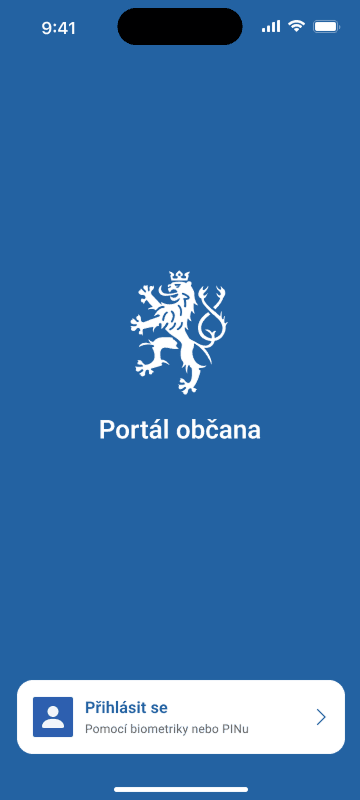
Citizen Portal Mobile App - Login
Is this service available in the app?
This service is available on the Citizen's Portal mobile app, so you can use it directly.


Where to download the app
The app is available for both iOS and Android users and can be downloaded from the App Store or Google Play.


What you need
- Smart phone (with Android version 10 and above or iOS version 15 and above) with internet access and lock code set
- In-app registration and security set up
How to do it
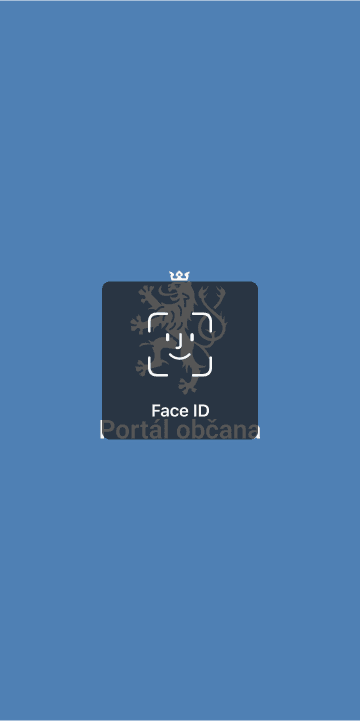
If you have biometrics enabled on your device and in the Citizen Portal app, you will be instructed to use biometrics when it is enabled.
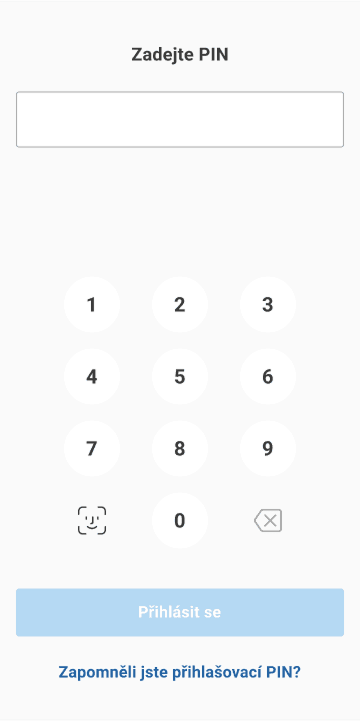
If biometrics login fails or you don't have it enabled, it's time for your PIN.
Did it work? Now you can make full use of the Citizen Portal on your mobile.