
Connecting the first databox to the Citizen Portal
Is this service available in the app?
This service is available on the Citizen's Portal mobile app, so you can use it directly.


What you need
- Have a databox
- Be a citizen of the Czech Republic or a foreigner with a residence permit
How to do it
You can connect your databox directly in the Citizen Portal. After logging in to the Portal, click on the "Connect Databox" button on the home page.
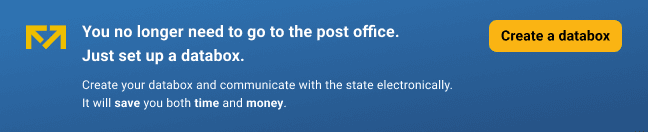
The portal will redirect you to the Databoxes website. Here, select the "Citizen Identity Login" option and click on the "Redirect to Citizen Identity" button. You can also select the "Login with name and password" option using your databox login details. Next, select an account to log in and agree to the connection. After a short time, your databox should be added to the Citizen Portal.
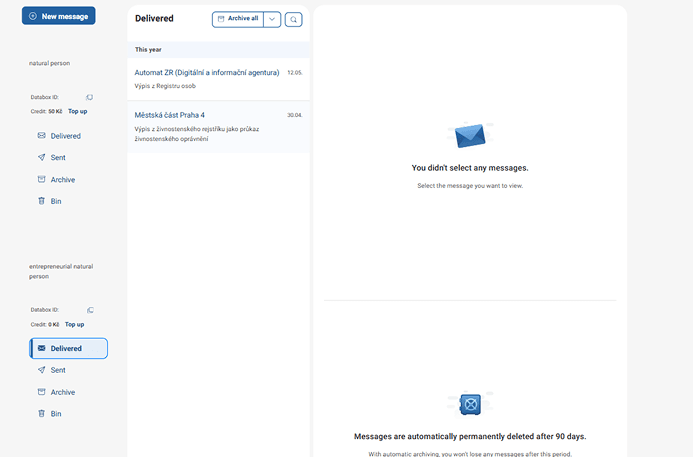 You can also connect a data box in the Databox section, which you can find on the top bar of the Citizen Portal. When you click on it, you will see the "Connect a databox" button, just like the previous option. After clicking the button, follow the same steps as in the previous case.
Procedure as shown in the pictures:
-
step - redirection to the Databox Portal (ISDS)
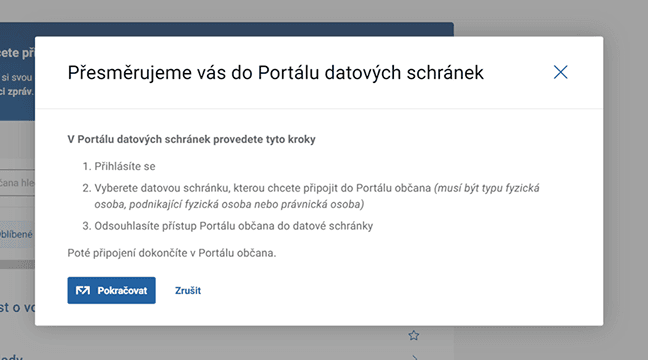
-
step - select a login method
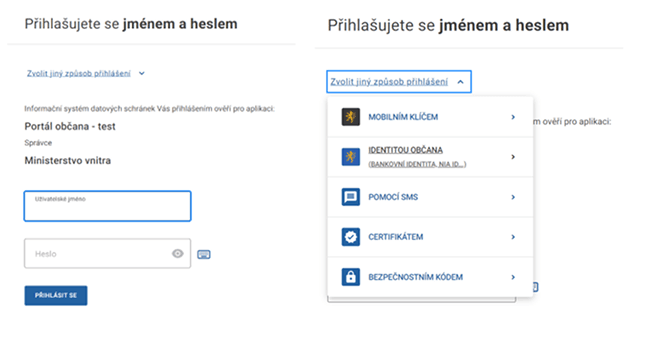
-
step - select the "Login with Citizen Identity" button
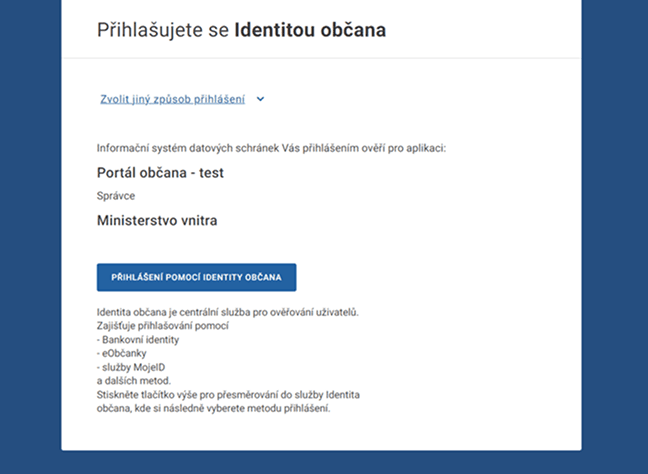
-
step - confirmation of ISDS agreement
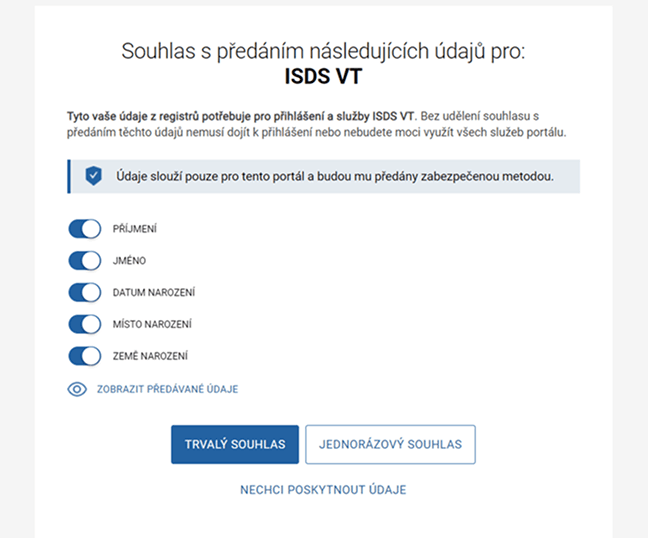
-
step - selecting a databox
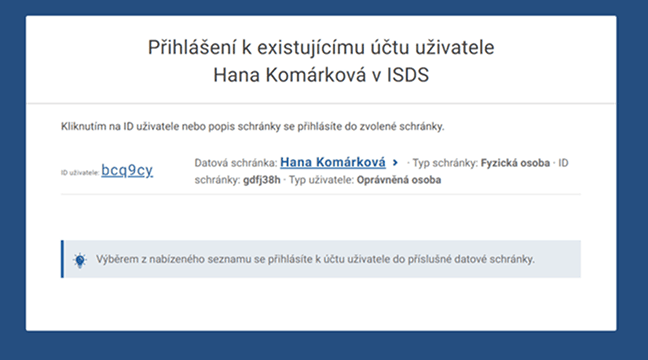
-
step - confirmation
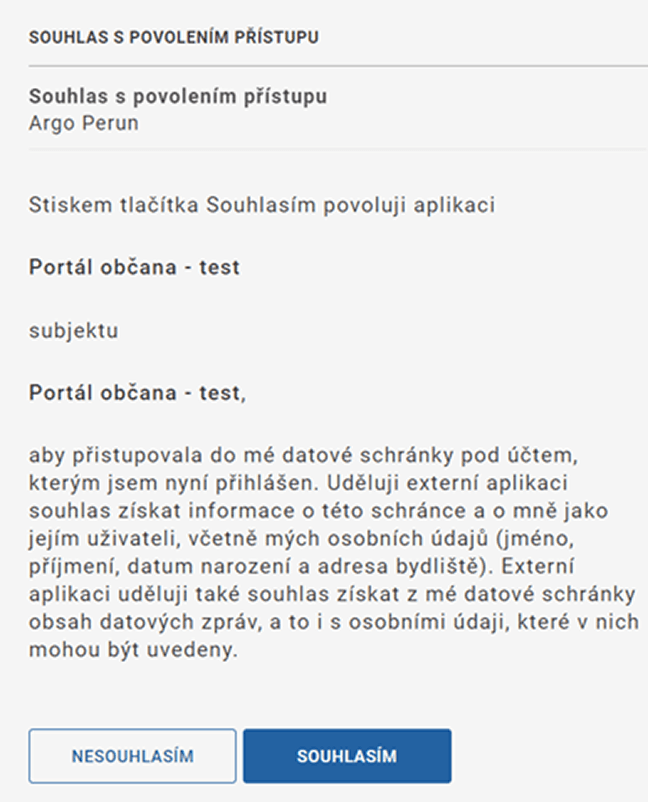
-
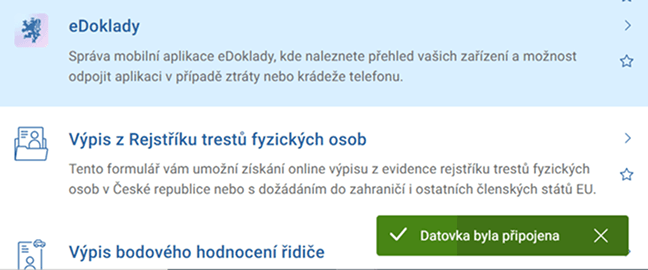
step - confirmation of the successful addition of the databox
What to be aware of
You can only add another databox in the Databox section or in the settings by clicking on the "Add another databox" button.
You cannot log in to the Citizen Portal with the login details of a legal entity type databox.
A legal entity databox can only be added to the Citizen Portal after logging in using one of the Citizen Identity means of identification.