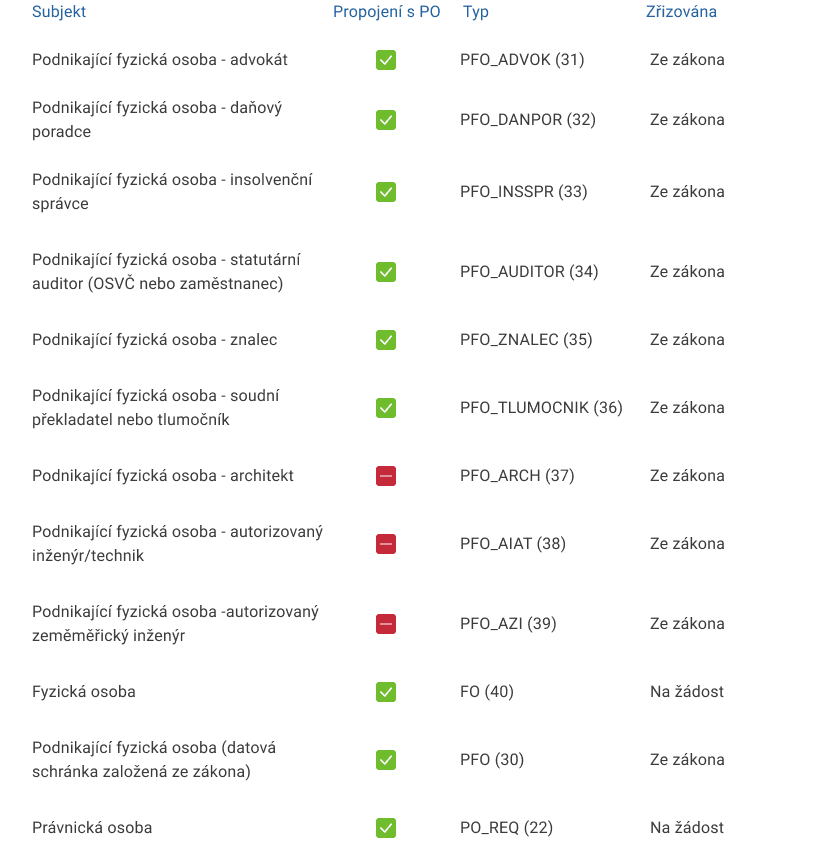
Connection of all your databoxes
Is this service available in the app?
This service is available on the Citizen's Portal mobile app, so you can use it directly.


What you need
- Being a databox(es) holder
- Be a citizen of the Czech Republic or a foreigner with a residence permit in the Czech Republic
How to do it
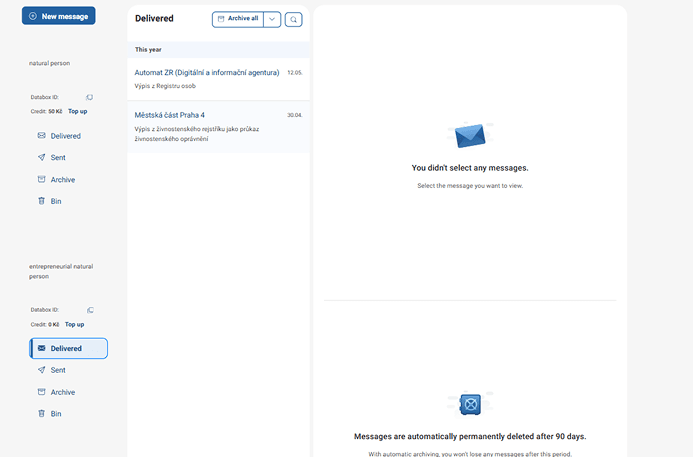
In the Citizen's Portal, click on "Databox" in the top menu and in the left-hand bar you will find the option "Connect Another Databox". You can also click on "Settings for a databox", where you will also find the option to connect another databox. The portal will redirect you to the Databoxes page where you can log in to the databox you want to add to the Citizen Portal.
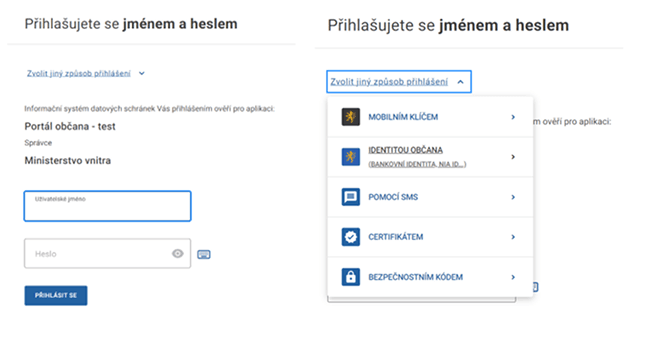
When you connect your databox, you have the option to log in with your name and password.
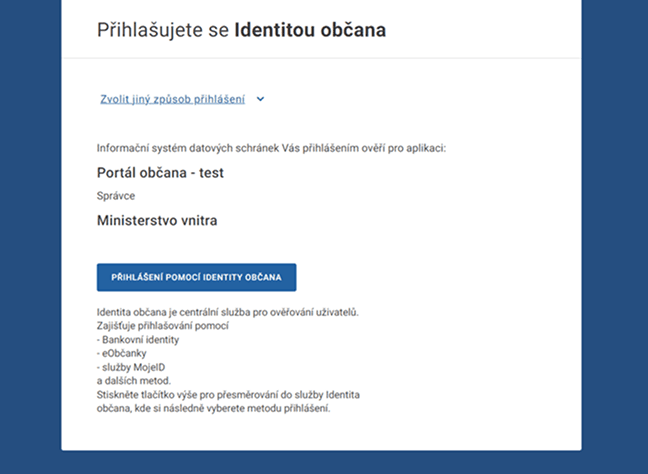
By clicking on "Choose another login method" you can choose to log in via Citizen Identity.
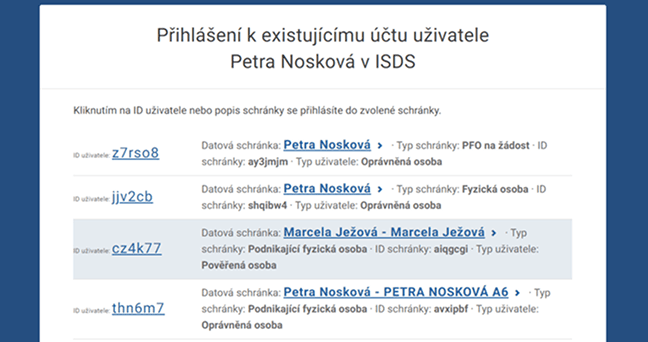
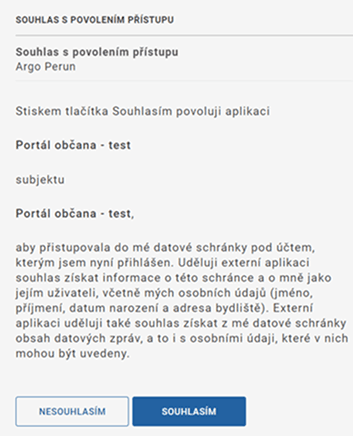
If you log in via Citizen Identity, the next step is to select the databox you want to connect to the Citizen Portal. Then you just have to approve the access to the Citizen Portal and you are done.
You can disconnect the databox again at any time. Just click on the "Disconnect databox from the Citizen Portal" button in the settings.
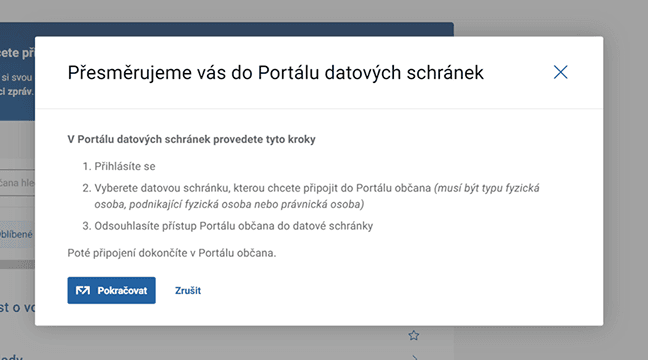
Procedure as shown in the pictures:
-
step - redirection to the ISDS portal
-
step - choose a login method
-
step - select the "Login with Citizen Identity" button
-
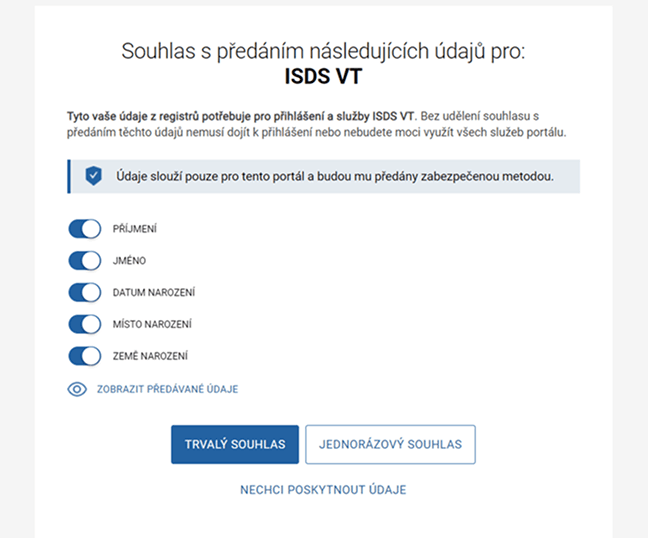
step - confirm the ISDS agreement (one-time or permanent agreement)
-
step - selecting a databox
-
step - approval confirmation
-
step - confirmation of the successful addition of the databox
What to be aware of
You can add only those databoxes that are yours and you are the authorized person of the databox. You can find more information about authorized persons and administrators on the databox website.