
Medical documentation
Is this service available in the app?
This service is available on the Citizen's Portal mobile app, so you can use it directly.


What you need
- Being a natural person, not a legal entity (corporation, foundation, etc.)
- Citizen identity for logging into the Citizen Portal
How to do it
On the homepage of the Citizen Portal, type "Medical documentation" into the search engine.
If your healthcare provider is connected to the National Contact Point, you will see its name and buttons to either download the records to your computer or save them to your files in the Citizen Portal.
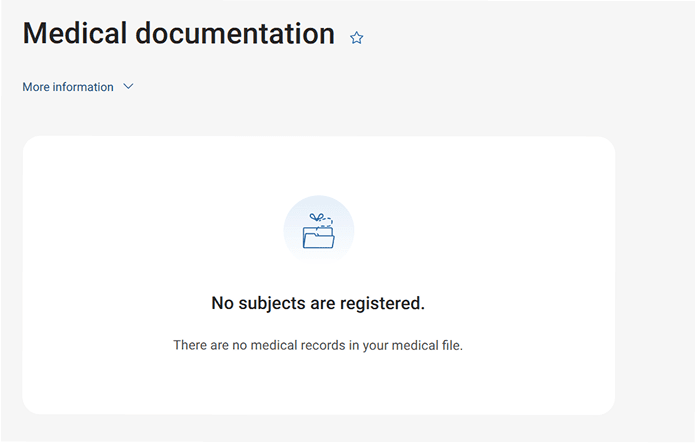
If the healthcare provider is not connected to the National Contact Point, you will only see a message that there are no medical records.
You may be also interested in
Record from the Civil Registry
Health record data will only be displayed from healthcare providers who are connected to the National Contact Point for eHealth in the provider list.
What is in the medical documentation record?
The record of the medical documentation is in the form of a patient summary, which is a standardised document containing basic data on health status and health services provided. This set of patient data can be shared electronically between healthcare providers in the EU Member States.
I have found a discrepancy in the data in my medical records. Who should I contact?
If a discrepancy is found in the patient summary, please use the form to contact technical support who will ensure that the data is corrected in cooperation with the healthcare facility that manages the documentation.
Is medical documentation shared within the EU?
Yes, the sharing of medical records includes cross-border sharing within the EU. For more information, see public and news.