
Notifications
Is this service available in the app?
This service is available on the Citizen's Portal mobile app, so you can use it directly.


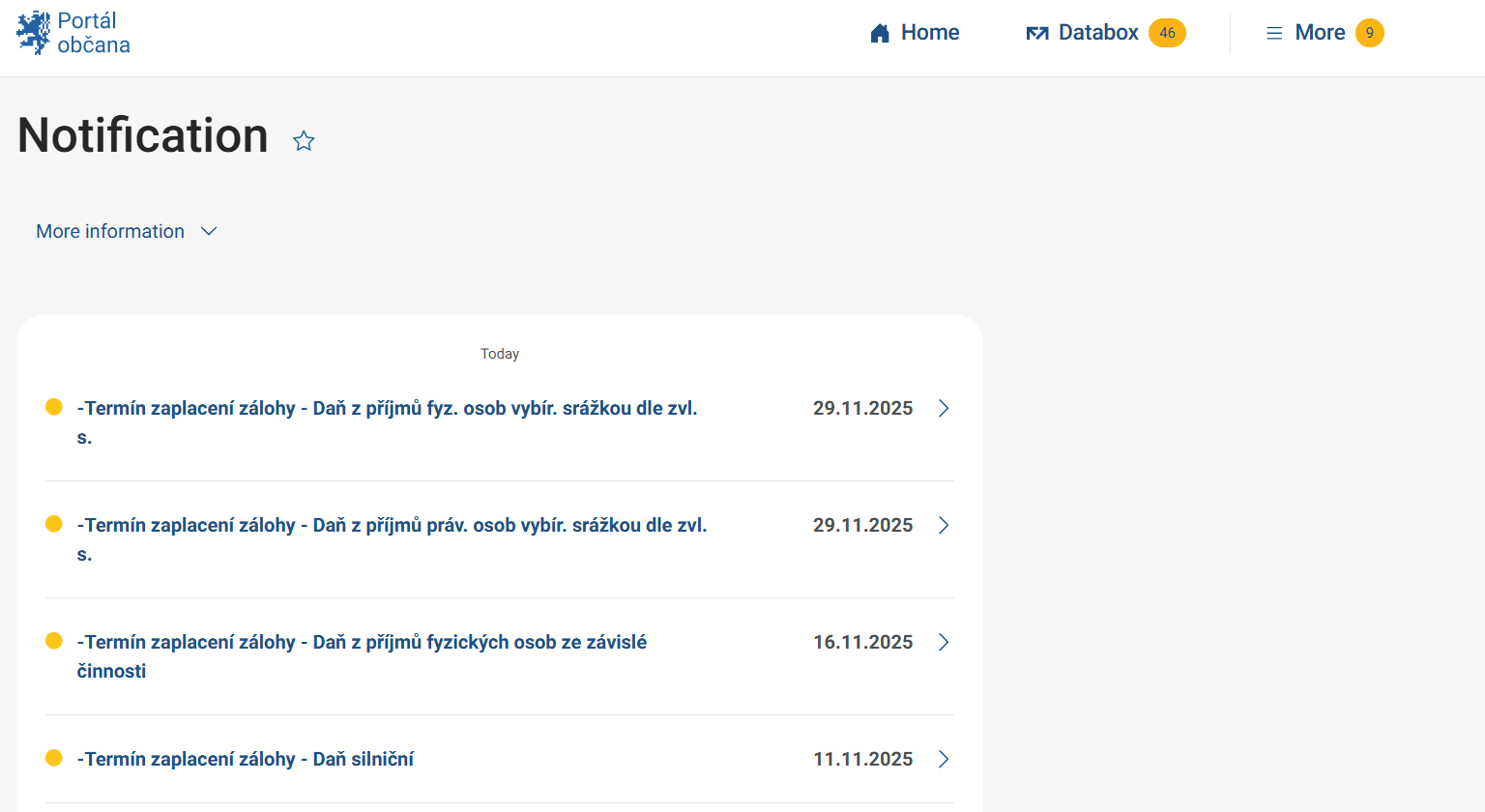
How to do it
On the right side of the page you will find a menu labeled "More", click on it to select "Settings". You will see your contact details, i.e. email and phone number. If these details are not filled in and you want to receive notifications, fill them in.
Then just activate the notifications you need in the menu. SMS alerts from the Citizen Portal are free of charge.
What to be aware of
If you activate the function of forwarding data messages to your email, pay special attention to the legal deadlines. This feature will cause forwarded messages to be considered delivered and therefore read. This includes messages that normally have a 10-day delivery period.
You can edit your contact details in the Citizen Portal settings. The ability to edit contact details is only available to users logged in via Citizen Identity.
You may be also interested in
Are notifications from all public authorities available on this site?
In this section, only notifications for the set services are available from the Citizen Portal interface. Notifications set up for services in other portals or applications of state authorities or local governments are not listed here. We are gradually extending the notifications for individual services and changes.
Will I automatically receive a notification about the status of my application?
This depends on the settings of the specific service where you are submitting the request and whether notifications are included in the request process. Typically, services that allow you to send status notifications will offer you the option to enter your contact details where the status information can be sent. Conversely, for automatically processed applications such as records from government registers and, notifications are usually not sent.