
Sending data messages
Is this service available in the app?
This service is available on the Citizen's Portal mobile app, so you can use it directly.


What you need
- Have an active Data Box
- Have your Data Box connected to the Citizen Portal
- Be a Czech citizen or a foreign national with a valid residence permit
- Have a means of electronic identification (Identity of a Citizen) for signing in to the Citizen Portal
How to do it
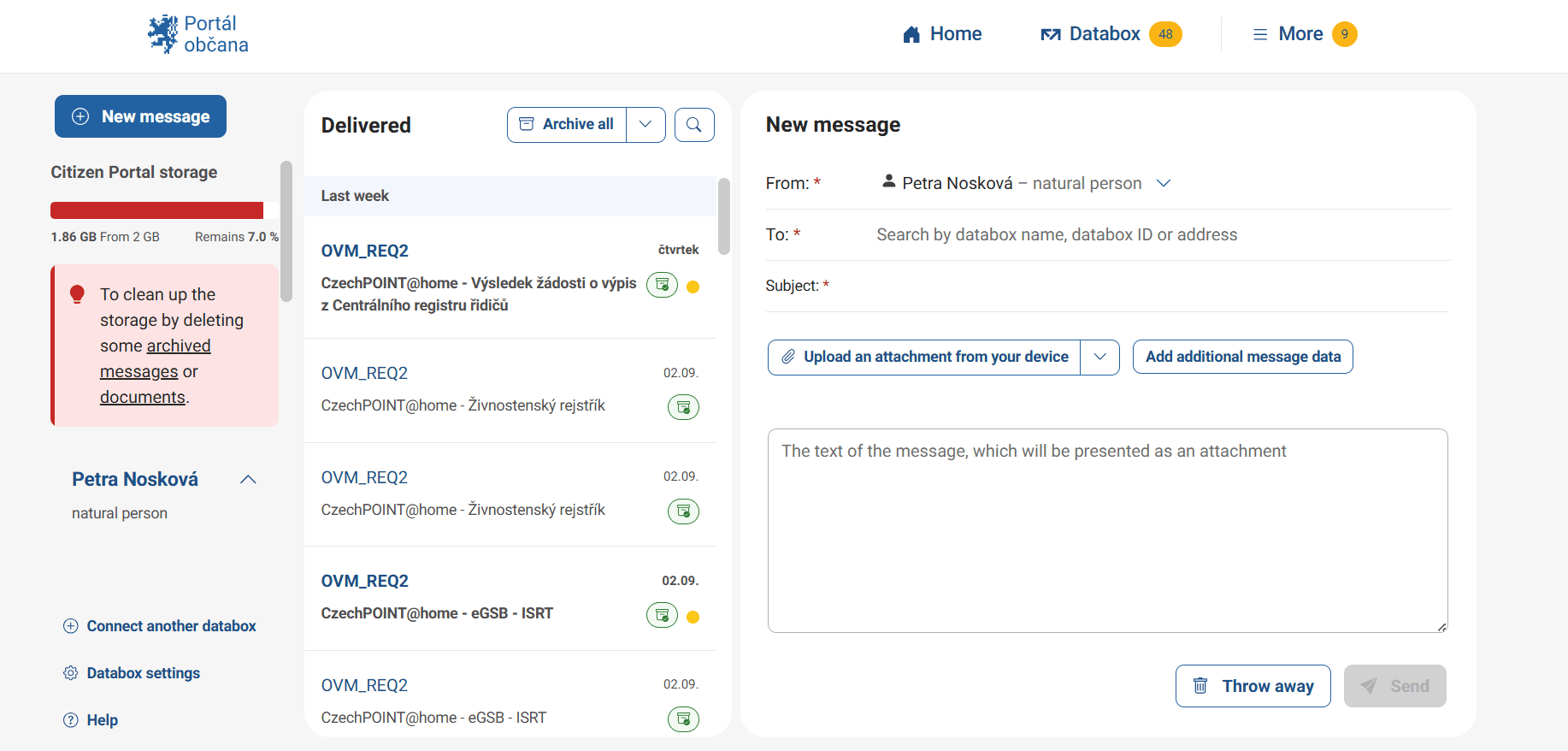
Log in to the Citizen Portal and click the Data Box tab in the upper-right corner of the page. This will open a page showing the Data Box or Data Boxes you have connected. In the left-hand corner, above the list of connected Data Boxes, click “New Message”.
A blank New Message form will then open on the right-hand side. The following three fields, marked with an asterisk, are mandatory and must be completed before the message can be sent.
From the “From” drop-down list, select the Data Box from which you want to send the message.
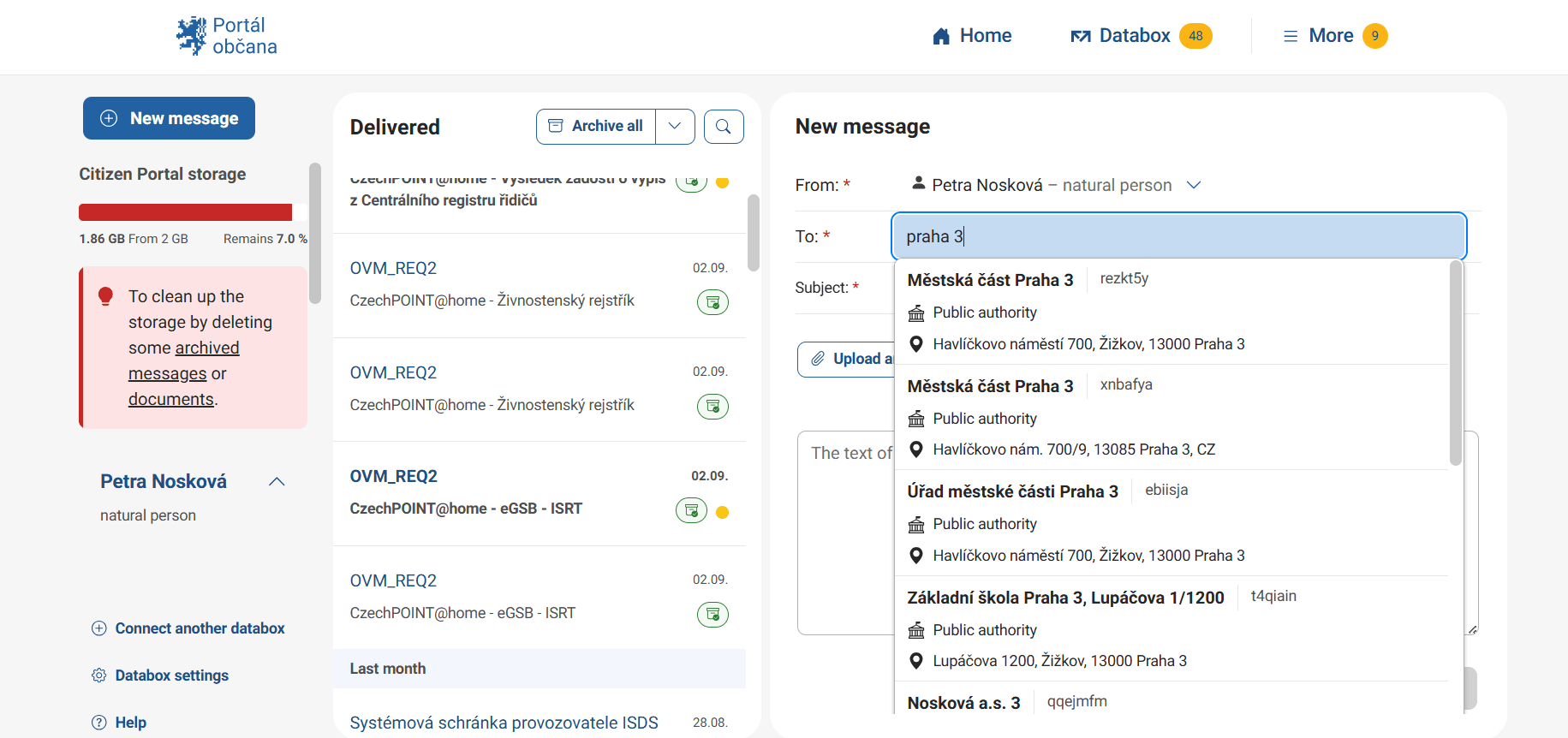
In the “To” field, enter the Data Box ID of the recipient. You can also search for the recipient by entering their name or organization name, for example, Railway Authority.
In the “Subject” field, enter the subject of the message, just as you would in an email, for example, Application for a Decision on a Change in Land Use.
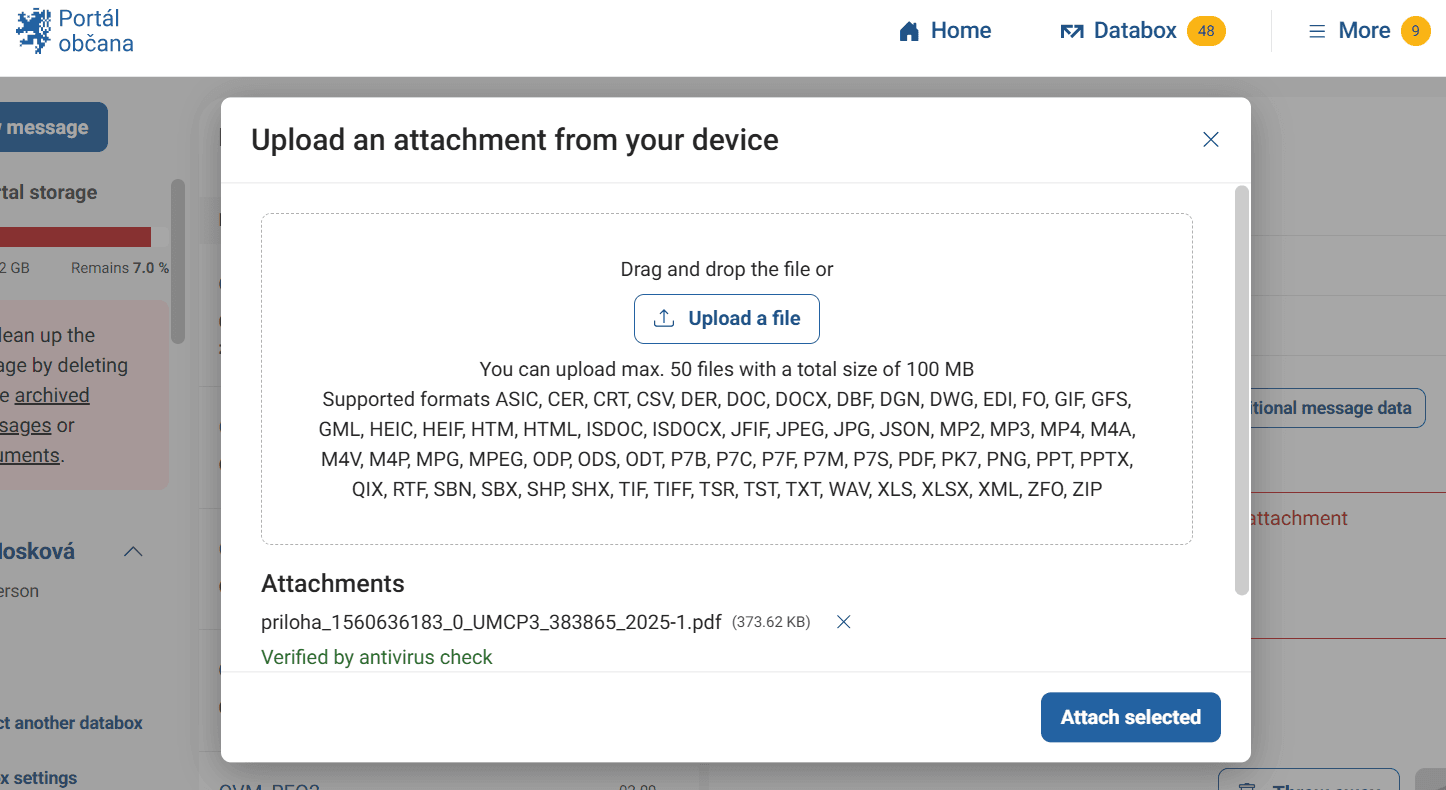
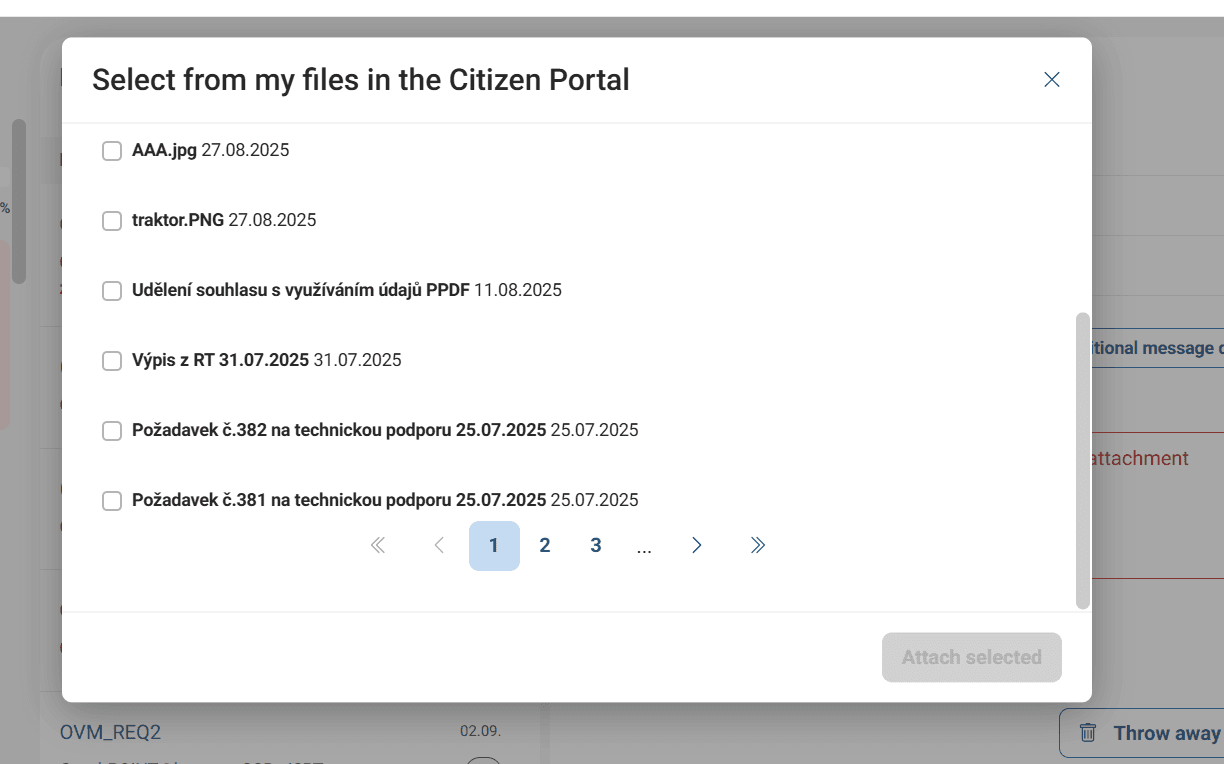
By clicking “Upload attachment from device”, you can attach a document such as a completed application. Data Boxes support attachments in all common file formats, including PDF, DOC, JPG, HTML, and others.
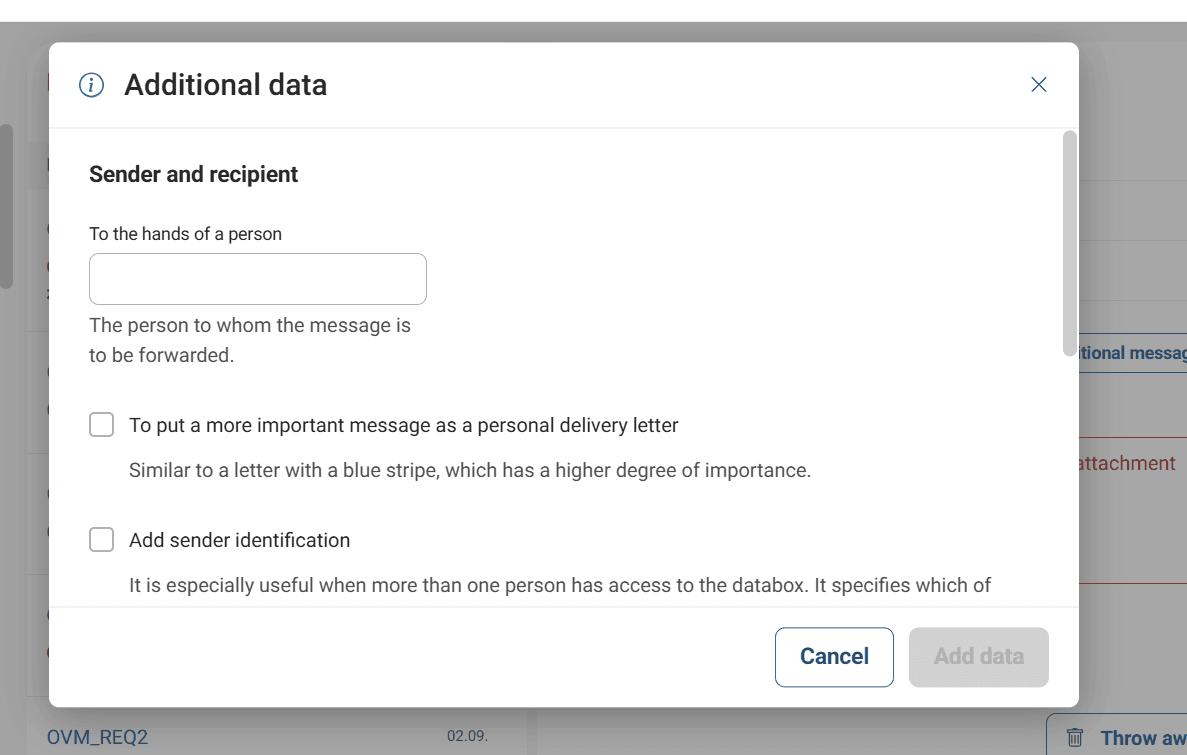
The “Add supplementary message details” button can help you specify the message more precisely. For example, you can add a file reference number or the name of the person to whose attention the message should be delivered.
In the editor below, you can attach or write text directly if you do not want to send it as an attachment.
The “Send” button will send the message to the selected recipient. A message can only be sent if you either upload an attachment or enter text directly into the editor. It is not possible to send an empty data message with only the recipient and subject fields completed. If you change your mind and want to delete the message, use the “Discard message” button.
What to be aware of
Messages sent to public authorities, ministries, and other public administration institutions through a Data Box are completely free of charge. However, if you want to send a data message to a private entity, you need to be aware that a fee applies. These messages are charged according to the Czech Post price list.
To send such messages, you must have sufficient credit in your account. You can easily top up and pay for this credit online in the Data Box section, in the left-hand menu below your Data Box ID. The credit does not expire. Additional information about the credit system can be found on the Data Box website.