
Setting up a databox in the Citizen Portal
Is this service available in the app?
This service is available on the Citizen's Portal mobile app, so you can use it directly.


What you need
- Being a natural person
- Citizen identity to log in to the Citizen Portal
- Be a citizen of the Czech Republic or a foreigner with a residence permit
How to do it
The Citizen's Portal allows you to request a databox once you have logged in. You can set up a databox for a natural person.
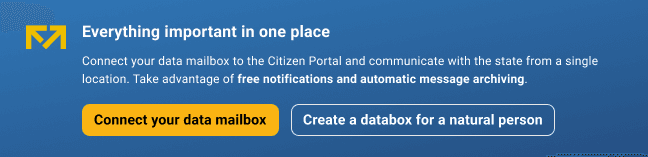
You can create a databox online in the Citizen Portal if you already own or use one of the Citizen Identity tools (eGovernment mobile key, bank identity and other options). Just log in to the Citizen Portal via the Citizen Identity and select " Set up a databox" on the homepage.
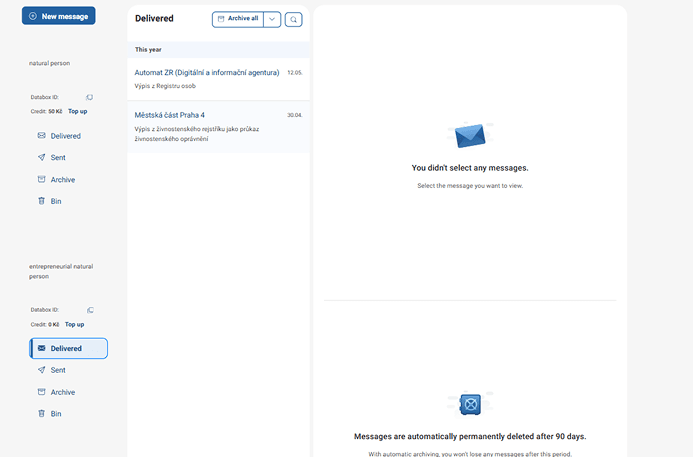
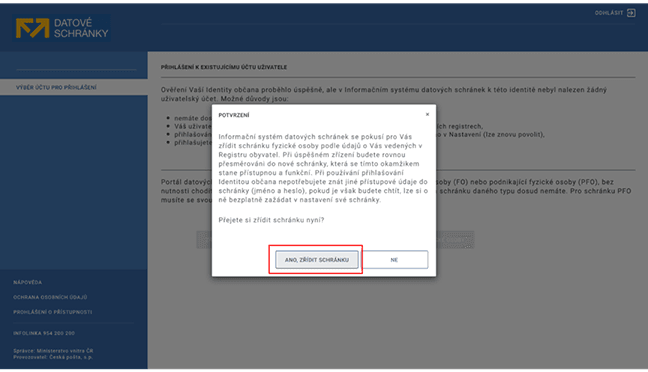
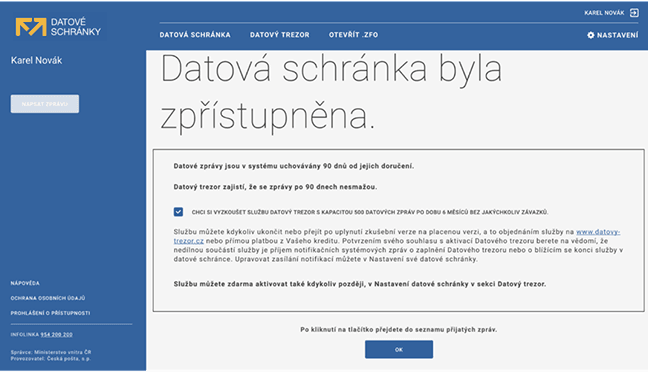
You will then be redirected to the Databox Portal to complete the process. During the process, you will be asked to enter your email address to receive free notifications so you don't miss any important messages.
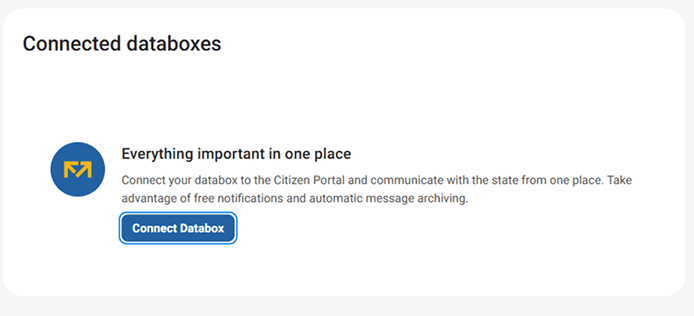
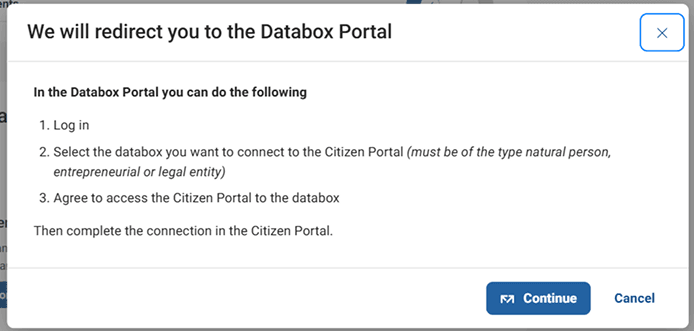
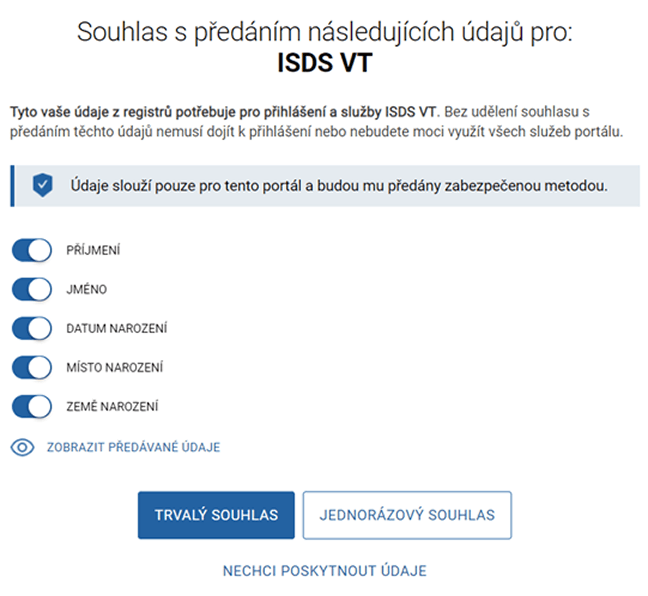
When you are redirected to the Databox Client Portal, you confirm that you agree to provide the following information to the Databox Information System.
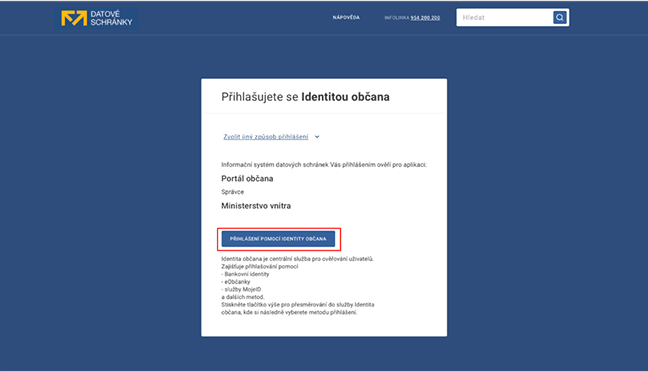
In the Databox Portal, select the "Login with Citizen Identity" option and select the "Login with Citizen Identity" button.
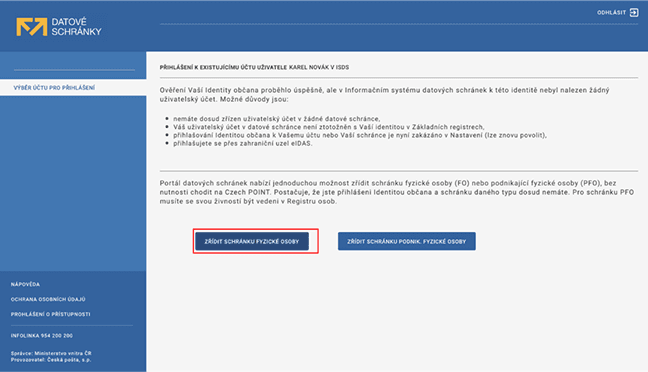
Next, select an account to log in and agree to the connection. After a short time, your databox should be added to the Citizen Portal.
What to be aware of
If a new data message arrives in your databox, it will be registered as received on the day you log in. (without opening the data message). If you do not log in to your databox, the data message will be deemed to have been received on the tenth day after it is delivered to your databox. From the moment the data message is delivered, for example, the legal time limits for replying will apply. However, this is different if you set up notifications in the Citizen Portal. If the Citizen Portal sends you a notification, the data message will be considered delivered as soon as the notification reaches you. You cannot set up or log in with a legal entity data in the Citizen Portal. The complete settings for your databox are not located in the Citizen Portal, but in the Databox Client Portal.