
Bin
Is this service available in the app?
This service is available on the Citizen's Portal mobile app, so you can use it directly.


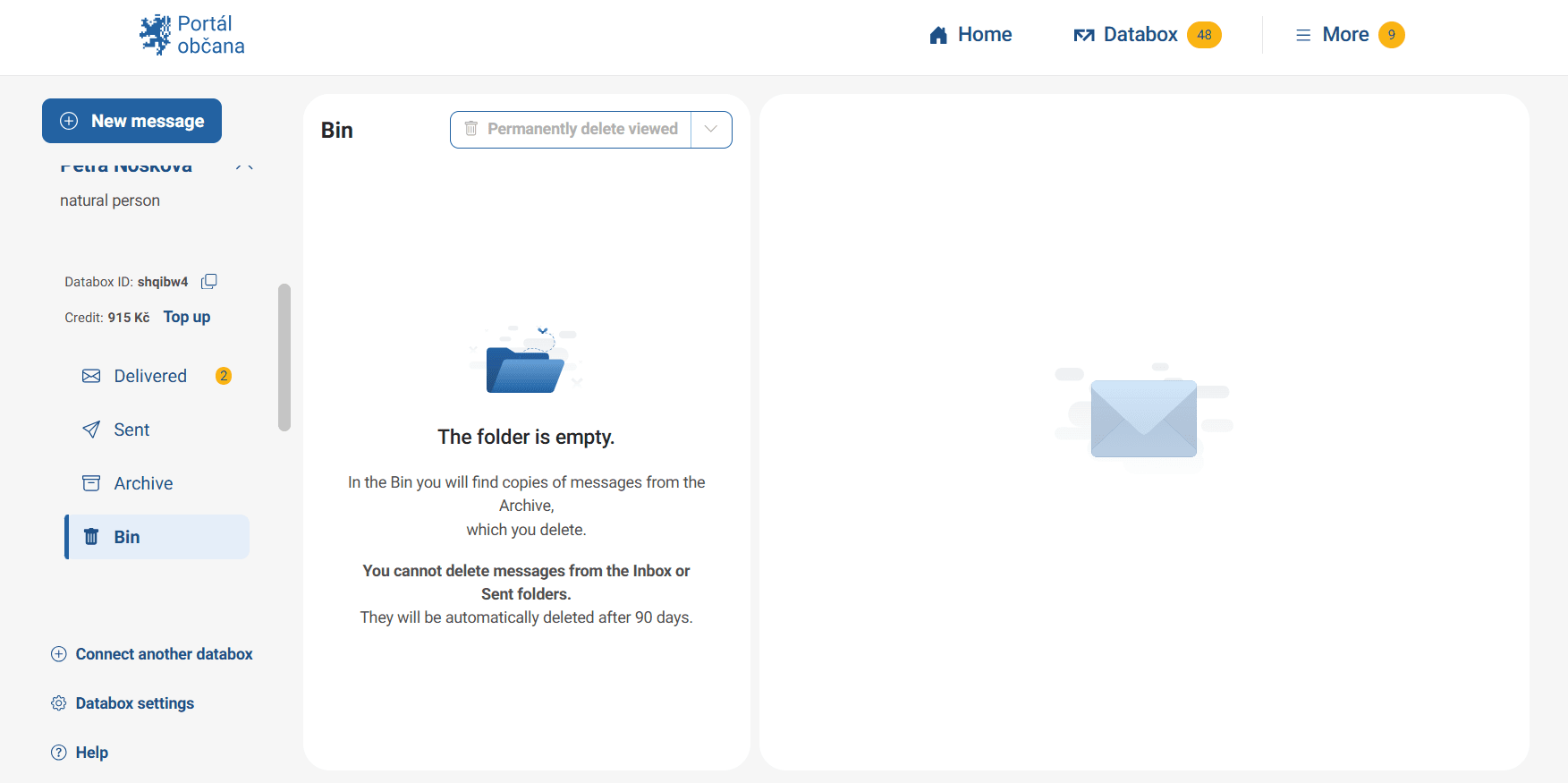
Databox bin
The service works a little differently for data messages. You cannot move delivered or sent messages to the bin. Only those are automatically deleted after 90 days. Therefore, you can only move archived data messages from your storage in the Citizen Portal to the bin after 90 days of their delivery. You can find archived data messages that have been moved to the bin in the section Datovka.
How to do it
Open My Files. Above your files you will find a bin symbol with the text "Delete some". Click to select the file you want to move to the bin and click "Delete".
What to be aware of
The bin has a limited capacity of 1 GB. If it reaches full capacity, you will not be able to move deleted messages to it.
How does deleting documents work?
When a user selects the "Trash" icon for any of their documents, submissions, calendar events, or archived data messages, the data is moved to the Trash. From there, they can be retrieved until they are permanently deleted either automatically (after 30 days) or by user choice. However, data messages automatically deleted after 90 days are not moved to the trash. The Trash link is used to manage deleted data. Here you will find an overview of deleted items with filtering and sorting options. The items displayed can be individually restored or permanently deleted.